 puh.gg
Aliases: extra names for your page
An alias is a second address that opens your page, for example an old handle or a shorter name.
If your page is puh.gg/milla and you add the alias m, then puh.gg/m opens your page too. Aliases follow the same rules as usernames: 1 to 24 characters, see Choosing a username.
Add an alias
Profile → Address
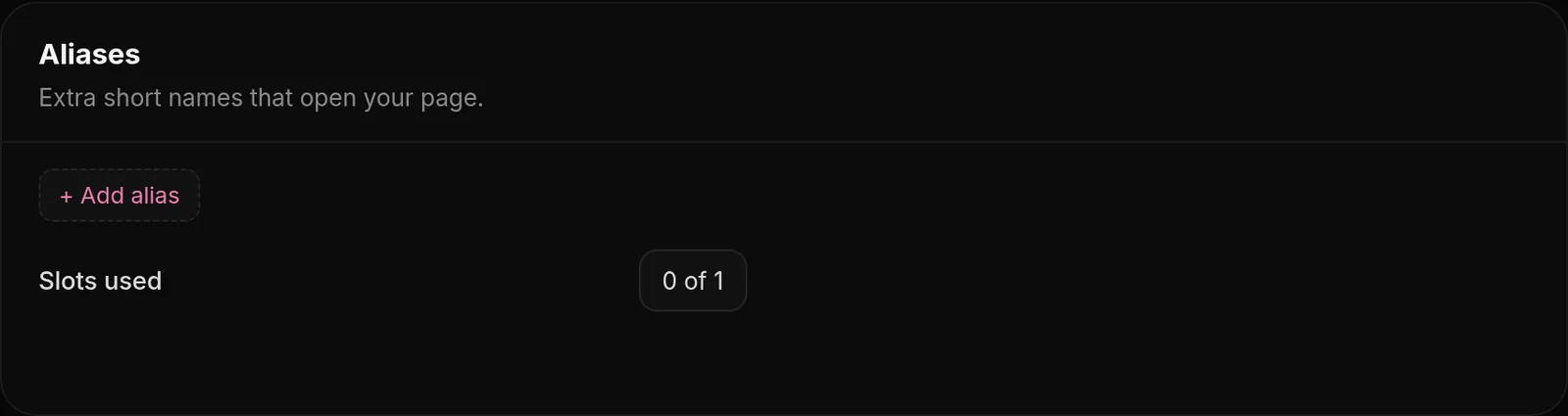
- Open Profile and go to Aliases.
- Type the name under New alias and add it.
- The counter, for example
1 / 1, shows how many you use and how many you can have.
How many aliases you can have
Everyone gets 1 alias for free. Each Alias Token adds one more, with no upper limit. When all your aliases are used, adding a new one uses an unused Alias Token from Your items automatically. Tokens are in the shop for €1.49, see Alias Tokens.
Remove an alias
Click the remove button next to it. The name is free for others immediately and your alias slot can be used again.
Good to know
- An alias can become your username in one step: type it under Username and click Change. It then frees its alias slot.
- Analytics, Top sources shows how many visitors came through each alias.
- Your link preview, views and badges are the same for every alias, since it is the same page.
- When you change your username, add the old one as an alias right away so old links keep working.
Was this helpful?Updated Oct 22, 2026