 puh.gg
Custom domains
Use your own domain for your page or image host, share it, or use a domain other members share.
Sharing & domain → Your addresses
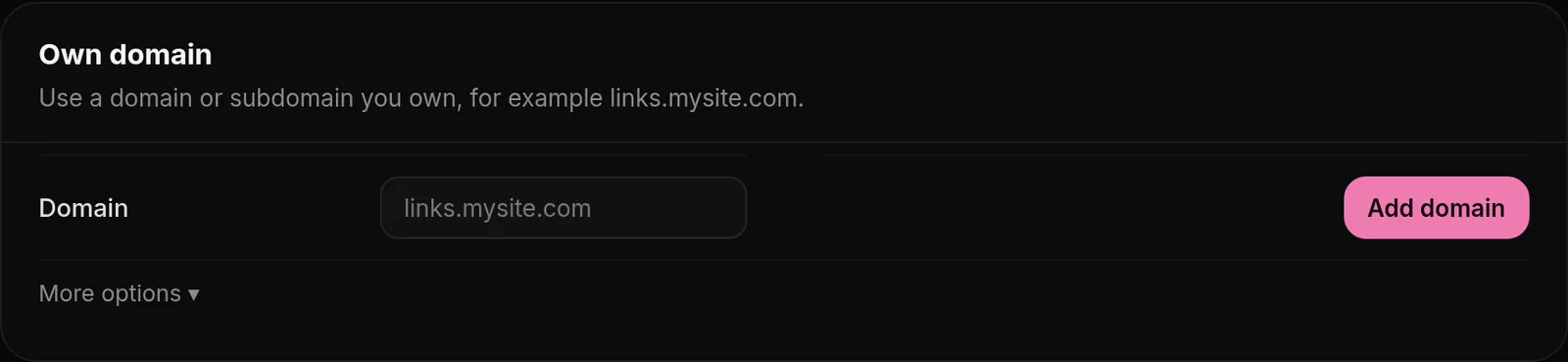
You can connect up to 5 domains or subdomains you own, for example links.mysite.com. Each one is used either for My page or for the Image host.
- Open Sharing & domain, Add your domain.
- Type your domain, choose what it is for and, for a page domain, who can use it: only you, or all Premium members.
- Add the CNAME record shown under Set the DNS record at your domain provider, for example Cloudflare. If more records are listed, add them too.
- Wait a few minutes. The domain is checked on its own; Check again checks it right away.
A page domain sends visitors to your puh.gg page: yourdomain.com opens your page, yourdomain.com/yourname too. A verified domain earns you the Domain Legend badge. For the image host, pick it as your Upload domain in Image host, Upload settings, Settings.
Sharing your domain
A shared page domain can be picked by every Premium member for their links: yourdomain.com/theirname then opens their puh.gg page. A shared domain stays shared; to make it private again, open a ticket. You can delete your domain any time, and everyone who used it goes back to puh.gg.
Using a shared domain
With Premium, open Sharing & domain, Domain for your links, and press Use next to a domain. Your username and aliases then work on it, for example yeat.wtf/yourname, and still open your puh.gg page. Switch back to puh.gg any time. If a domain stops pointing to puh.gg, your links go back to puh.gg on their own.