 puh.gg
Hide the audio player but keep the music
Switch the player off. Your songs still play for visitors, there is just nothing to see.
Music & media → Player
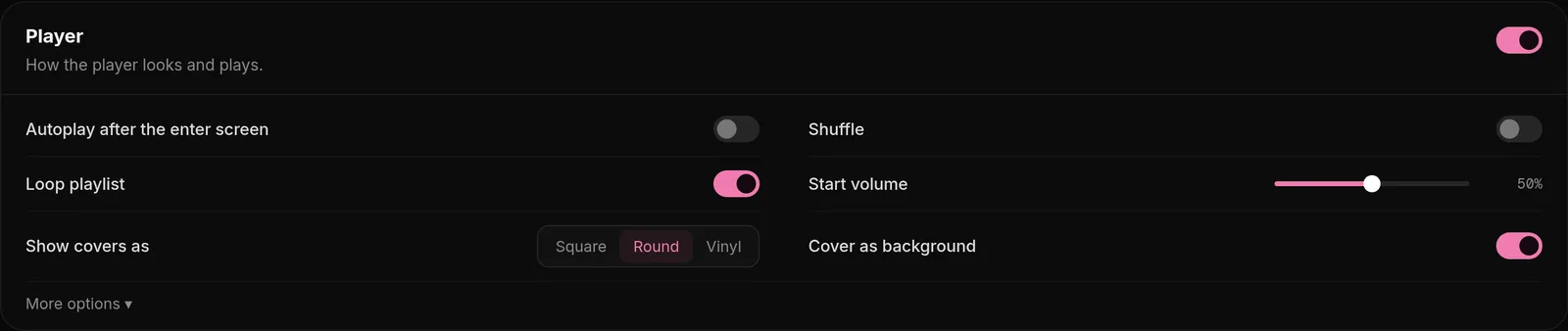
- Open Music & media.
- Turn off the Player switch at the top of the Player card. It saves on its own.
The player disappears from your page. Your songs still start after the visitor clicks through the enter screen and keep playing in the background.
Turn on Autoplay. Without a visible player, visitors cannot press play. Keep Autoplay after the enter screen on so the music starts by itself.
Was this helpful?Updated Oct 22, 2026