 puh.gg
Borders, corners and glow
Add a border, animate it, round single elements and make your card, name, icons and badges glow.
Border
Look → Layout and colors
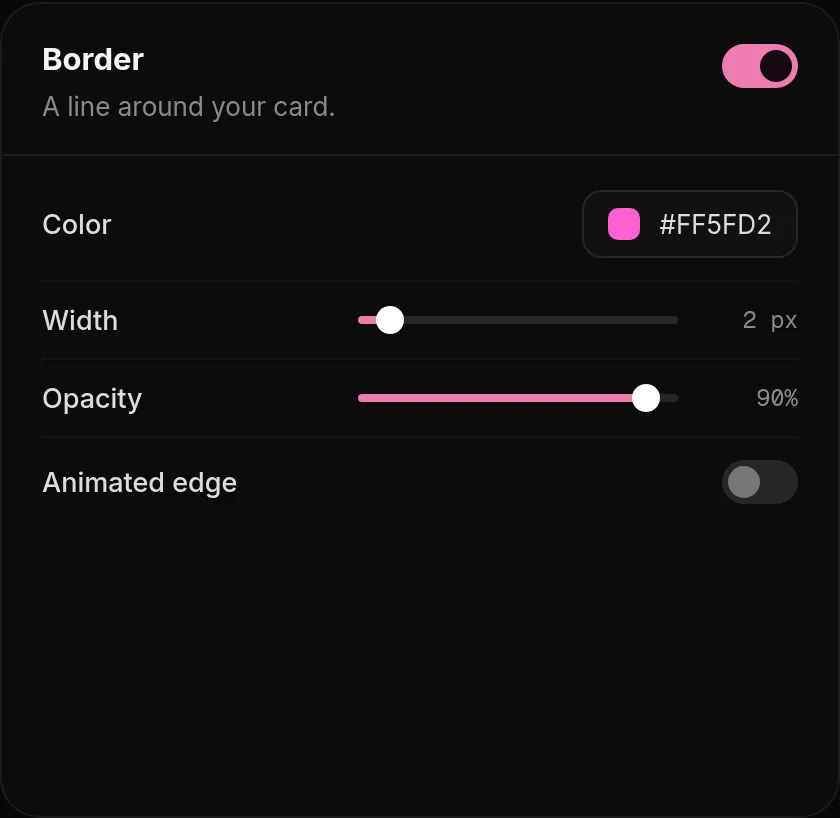
- In Look, Border: color, width and opacity of the line around your card. The corner radius is in Card shape.
- Animated edge: a moving edge in the style and speed you pick. It uses your border and glow colors.
- Widgets get their own corner radius in Widgets & sections, Widget style.
Glow
Look → Glow and fonts
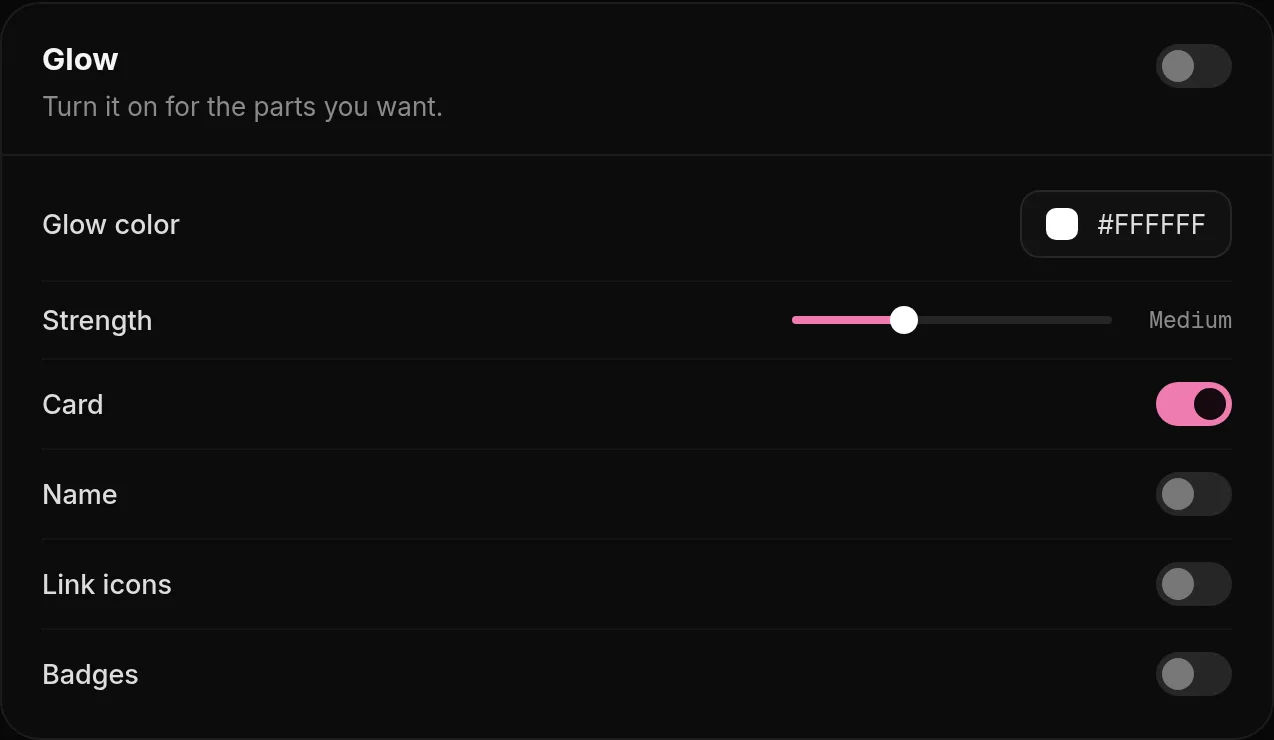
In Look, Glow you pick one Glow color and its Strength, then switch the glow on or off for each part: Card, Name, Link icons and Badges.
Black glow you did not expect? If you turned off the border but still see a dark edge, it is the card glow. Turn off the glow for Card, or pick another glow color.
Was this helpful?Updated Oct 22, 2026