 puh.gg
Colors, gradients and background
Set your colors, a gradient or animated background, and filters like darken or black and white.
Your colors are in Look, Colors. What sits behind your card is on the Background page.
Your colors
Look → Layout and colors
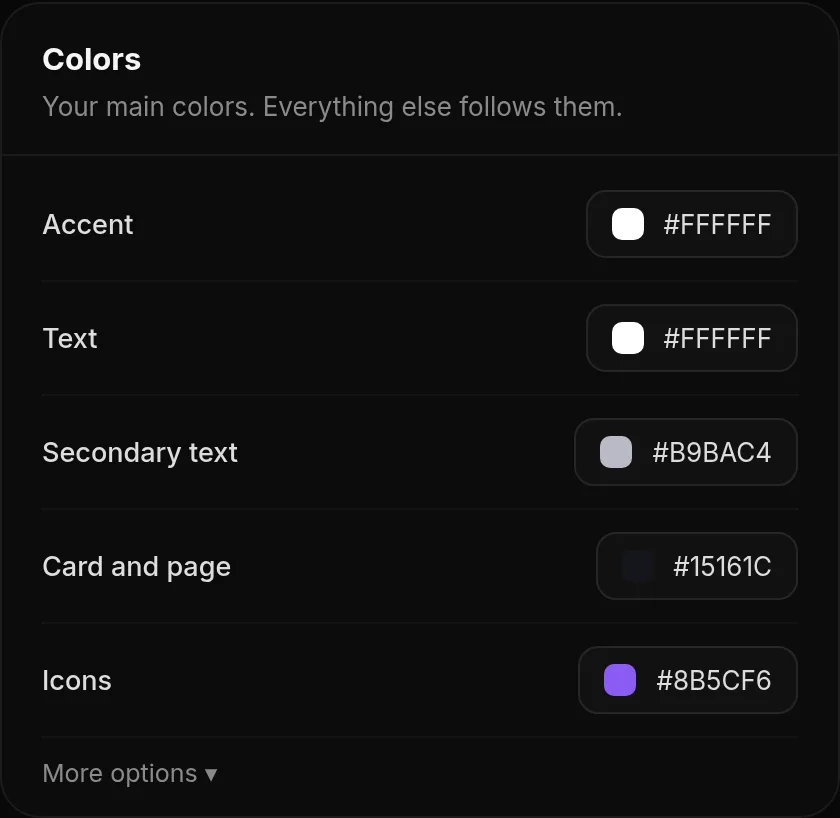
Under Colors you set the main colors of your page: accent, text, secondary text, the card and page color, icons, name, description, highlight and footer.
What is behind your card
Background → Color and filter
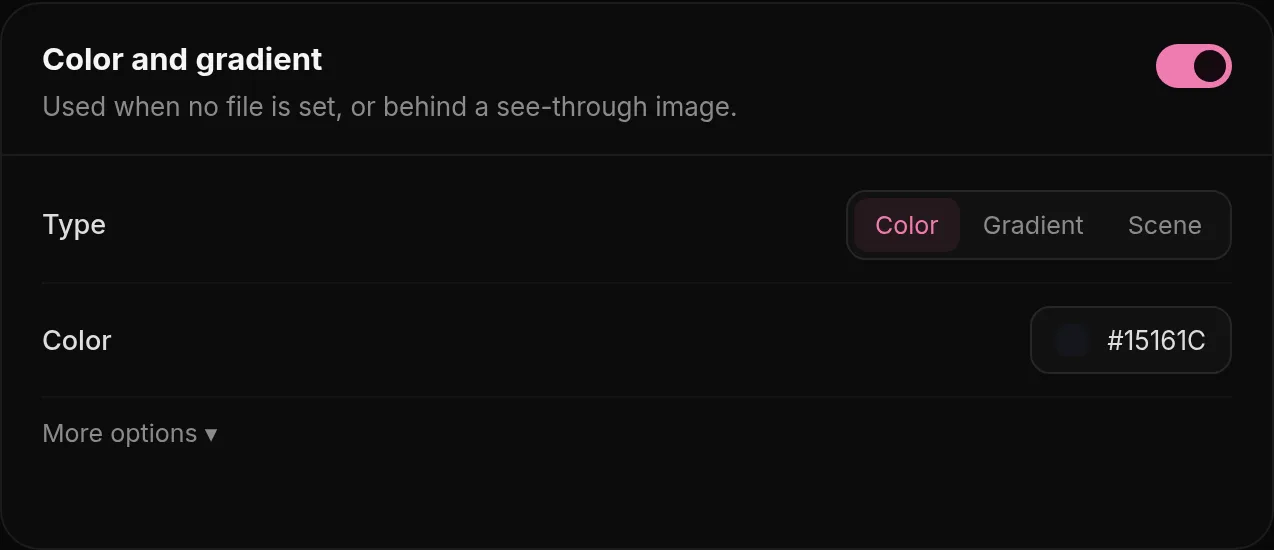
| Option | What it does |
|---|---|
| Background files | Your own images, GIFs or videos. They always win over the options below. See Backgrounds. |
| Flowing background | A moving gradient with up to three colors, waves and speed. Used when you have no banner. |
| Color and gradient | A flat color, or a two-color gradient with an angle that can also move. |
| Puh scene background | The pink portal scene, used when no other background is set. |
Only one of them is shown at a time, from top to bottom: your own backgrounds first, then the flowing background, then the color or gradient, then the scene.
Flowing background
In Background, Color and gradient, pick up to three colors that flow into each other. Speed sets how fast they move and Waves how far. Soft colors close to each other look calm; strong opposite colors look lively.
Background filter
Background → Color and filter
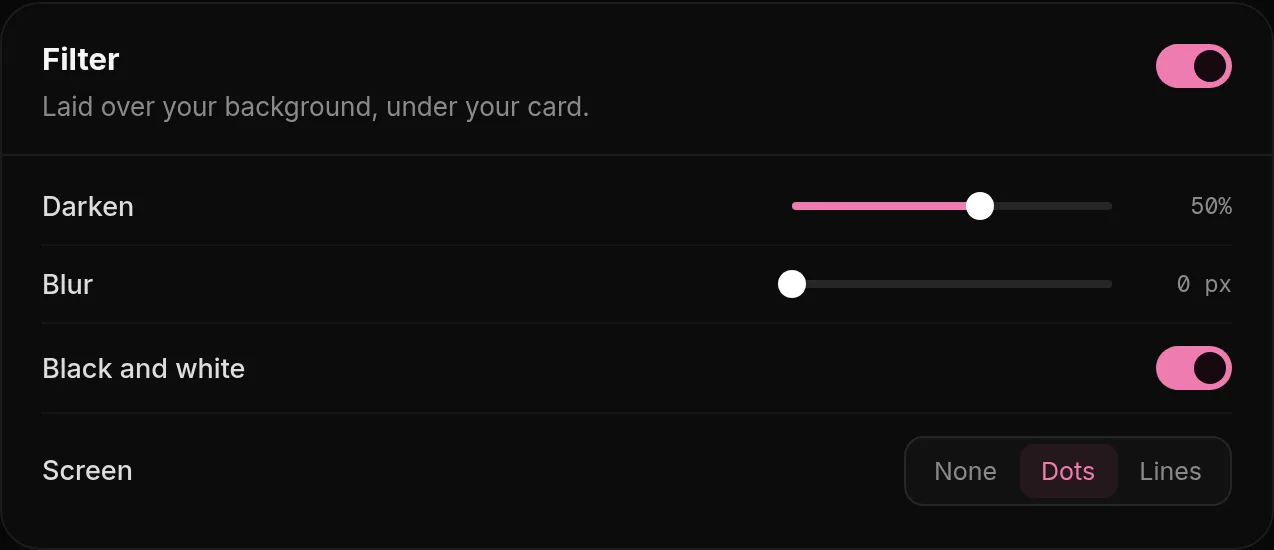
In Background, Filter: Darken makes a bright background calmer so your text is easier to read. Blur softens the background picture so your card stands out, like frosted glass. Screen lays a dot or line pattern over it, and Black and white removes the colors.