 puh.gg
Typewriter text
Type your description out letter by letter, or cycle through up to five texts.
Effects → Text
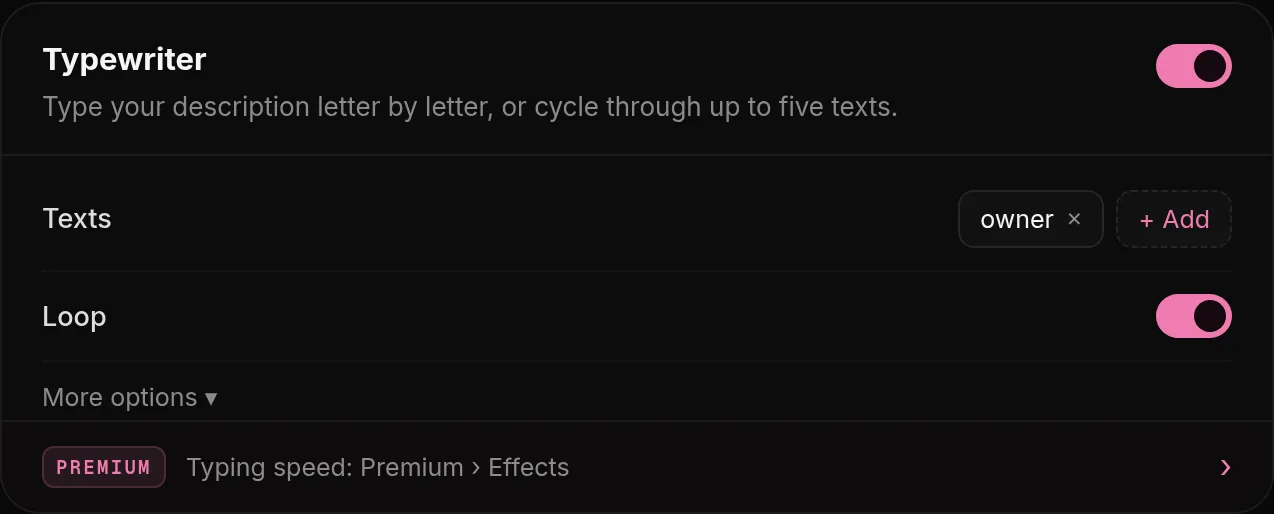
- Open Effects, Typewriter.
- Add up to 5 texts (up to 120 characters each). They replace your description and are typed one after another.
- Each text is typed, stays for a moment and is deleted at the same speed, then the next one starts.
With Premium you can set the Typing speed on the Premium page.
Was this helpful?Updated Oct 22, 2026