 puh.gg
Fonts and text size
Pick a font for your text and your username, upload your own and change the sizes.
Look → Glow and fonts
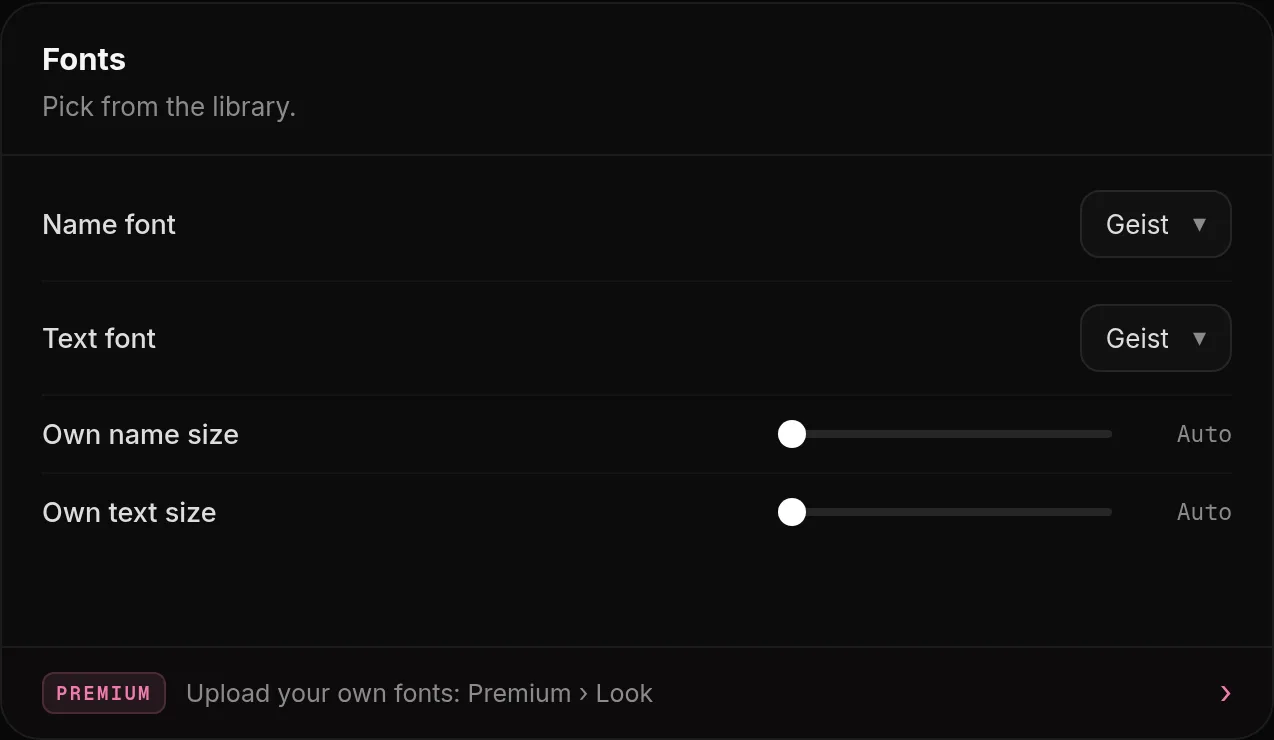
Open Look, Fonts.
- Text font is used for your text, Name font only for your name.
- Turn on Own name size to set the size of your name (16 to 64 px). Off uses the size of your layout.
- Turn on Own text size to set the size of your description (11 to 32 px). Off uses 15 px.
Your own font (Premium)
Premium & shop → Look
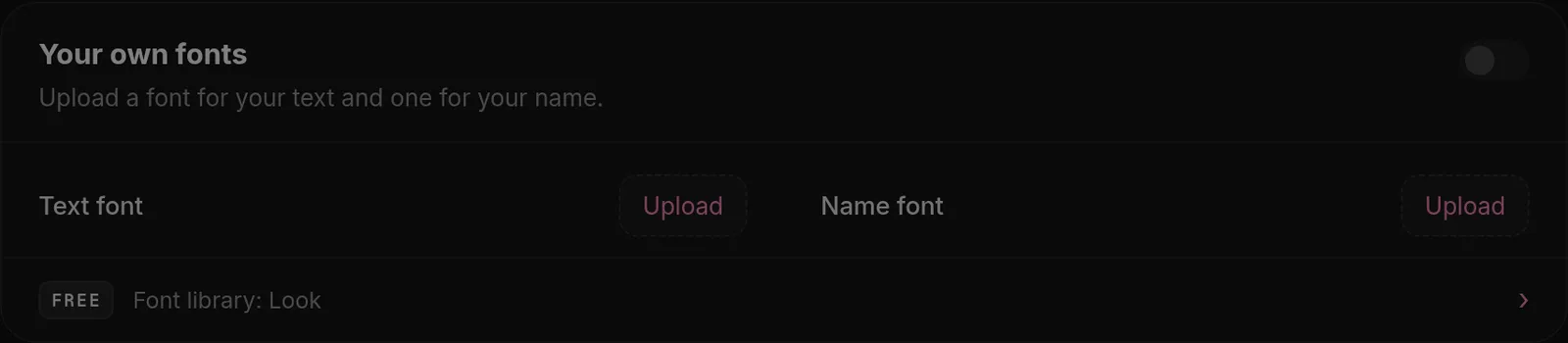
On the Premium page, under Your own fonts, upload a font file (TTF, WOFF or WOFF2, up to 2 MB) for your text and one for your username.
Was this helpful?Updated Oct 22, 2026