 puh.gg
Your link preview on Discord and other apps
Set the title, text, picture and color people see when your link is posted.
Premium → Link preview
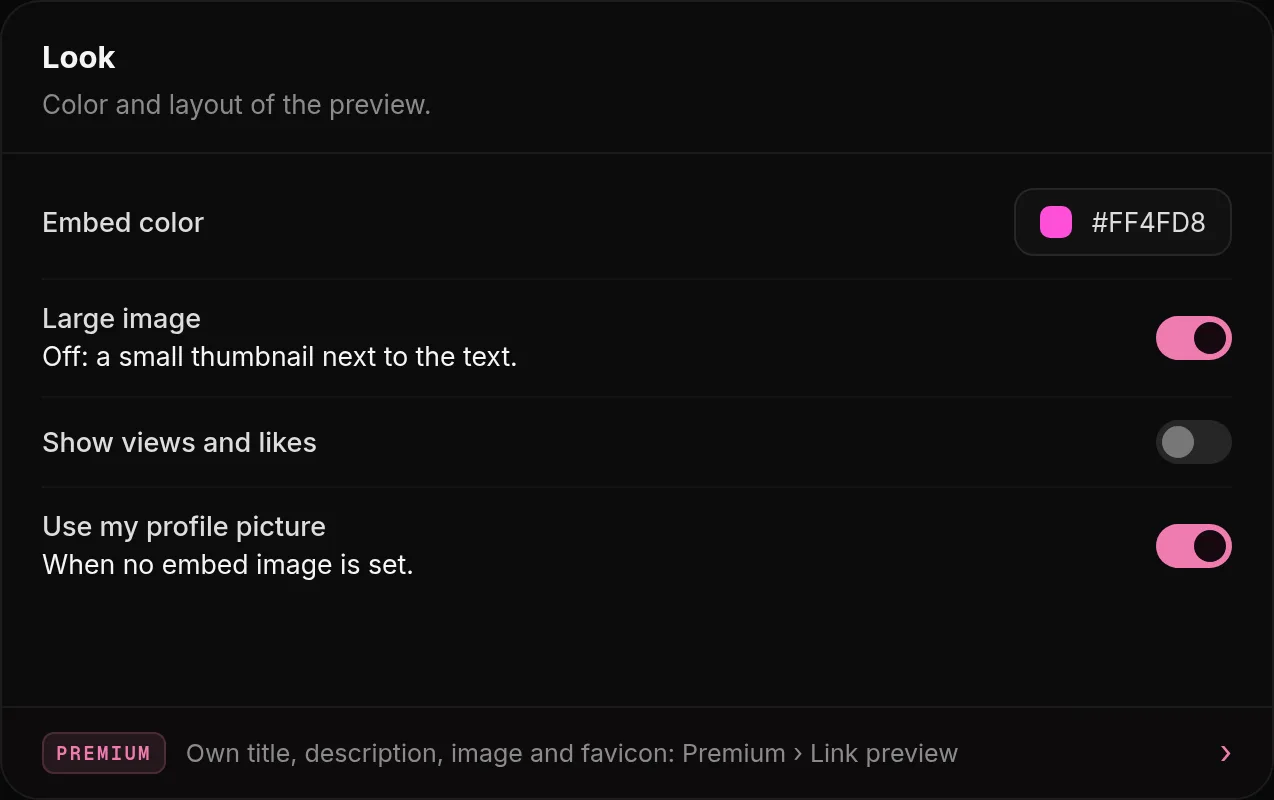
When someone posts your link on Discord, Telegram or X, they see a small card. Open Premium, Link preview to design it.
- Title and description: click a variable to insert live values:
{name},{username},{views},{likes},{location}or{bio}. - Embed image: 1200 x 630 works best, up to 5 MB. Or use your profile picture.
- Favicon: the small icon in the browser tab, square, up to 512 KB.
- Embed color: the colored bar next to the card on Discord. Large image shows the picture big under the text.
Discord still shows the old card? Discord keeps previews for a while. A link posted again later shows the new one.
Was this helpful?Updated Oct 15, 2026