 puh.gg
Link icons and badge style
Change the style, colors and size of your link buttons, and how your badges look.
Link icons are on the Links page under Icon look; badges are in Look, Badge display.
Link icons
Links → Icon look
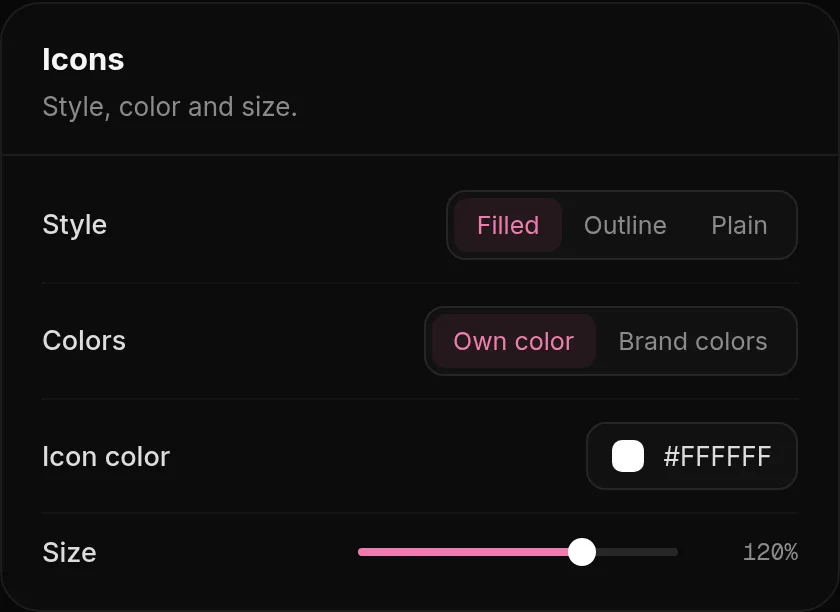
- Style: filled, outlined or plain icons.
- Colors: your own color, or the brand colors of each platform (Discord blue, TikTok black and so on).
- Size, an optional Glow, and under Placement the Alignment.
Badge display
Look → Badges

- Turn off Keep their own colors and pick a Badge color to recolor every badge the same for a clean row.
- Size, and the badge glow in Look, Glow.
- Scroll when there are many lets your badges scroll sideways; Pause on hover stops them while someone looks.
- Frame puts a soft pill around the row, with its own color and line.
Which badges show, and in which order, you choose on the Badges page under Show and order.
Was this helpful?Updated Oct 22, 2026